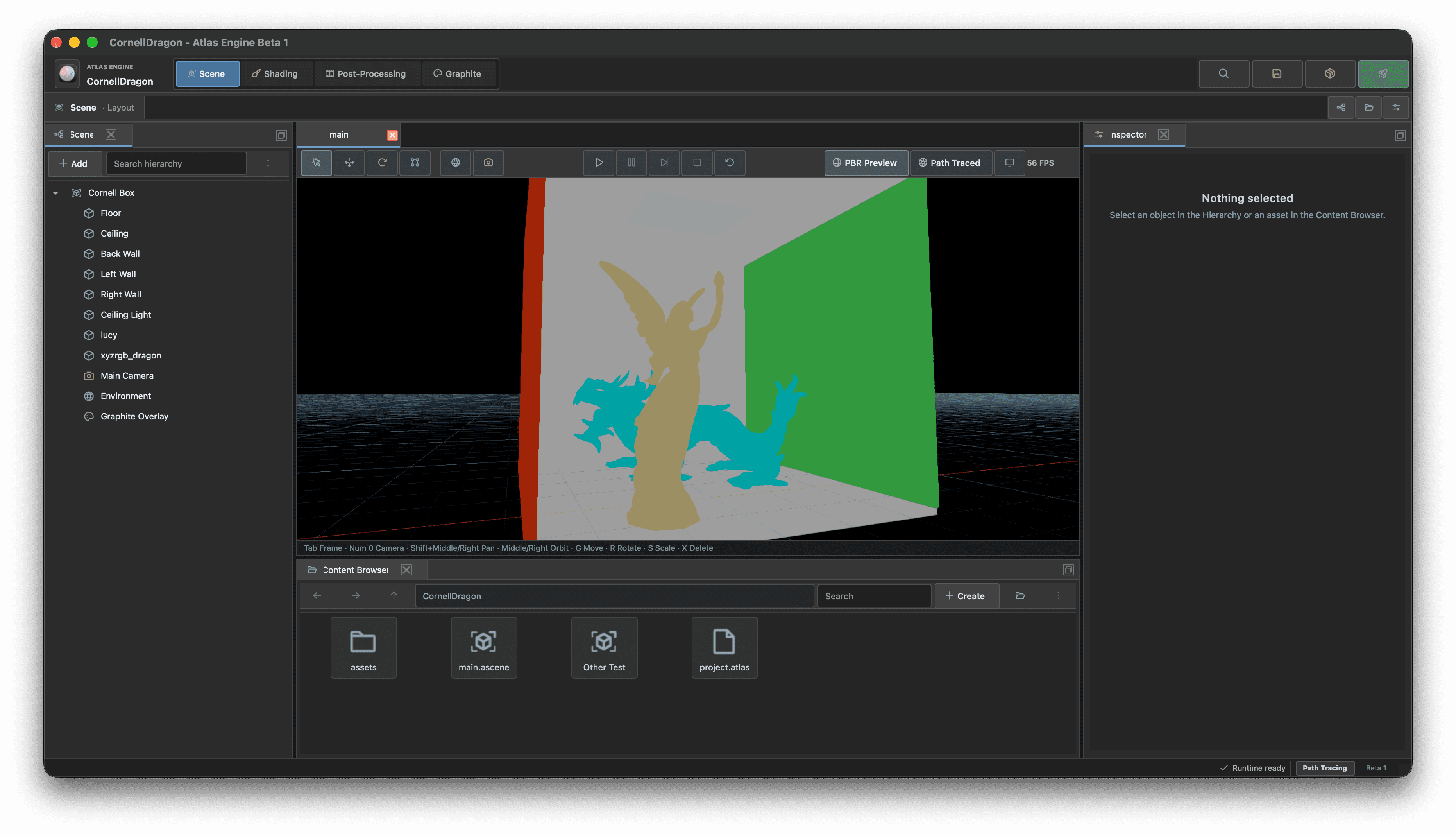
After a year of development, Atlas is entering beta. Welcome to Atlas Vela, a new chapter for the engine and the worlds you will build with it.
A place to create
Atlas brings your project into one workspace. Arrange entities in the scene hierarchy, inspect their properties, edit materials and preview the result in the viewport.
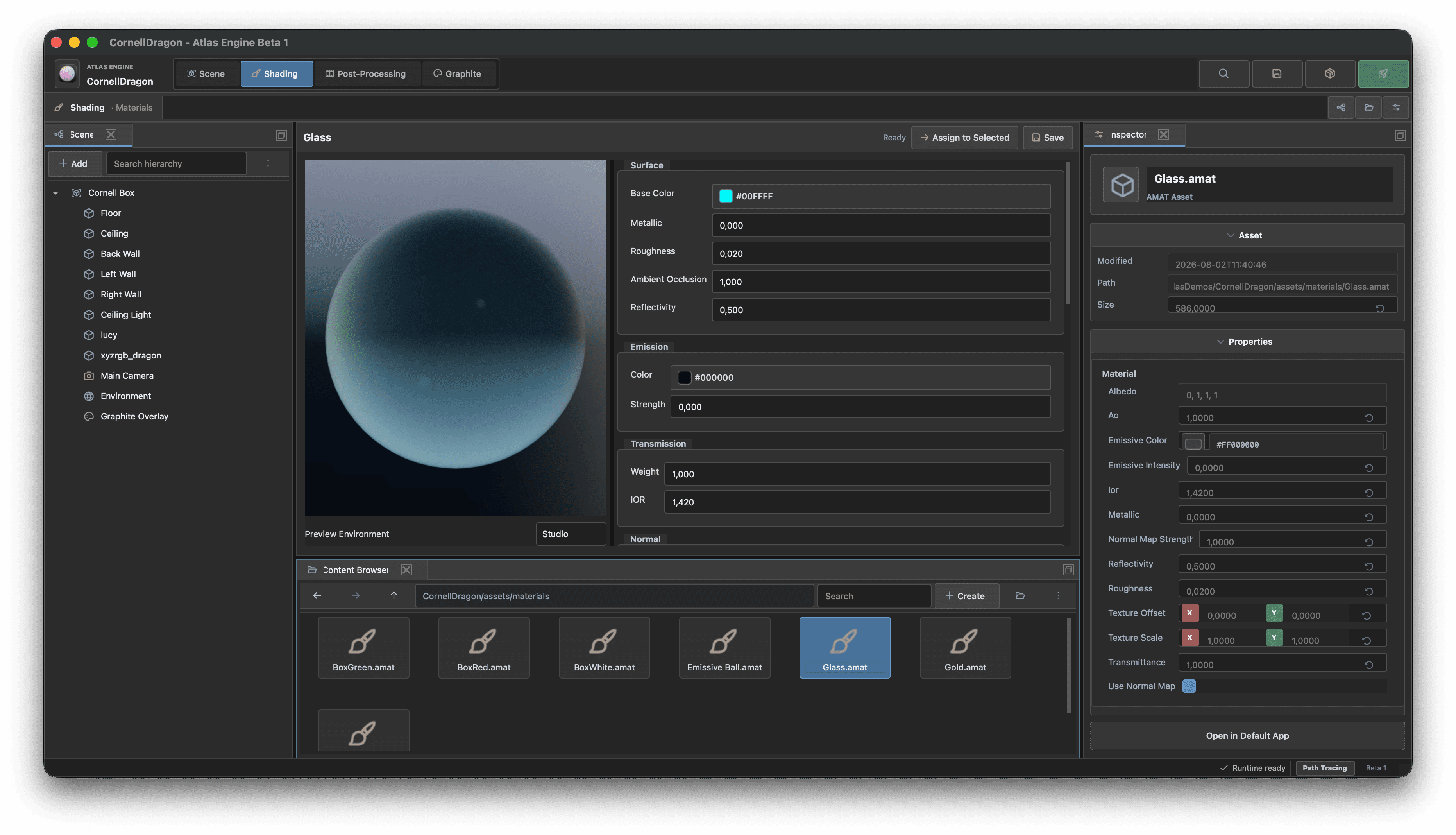
The editor works with the scene data used by the runtime. Your content and the behavior that brings it to life belong to the same project.
See your world in a different light
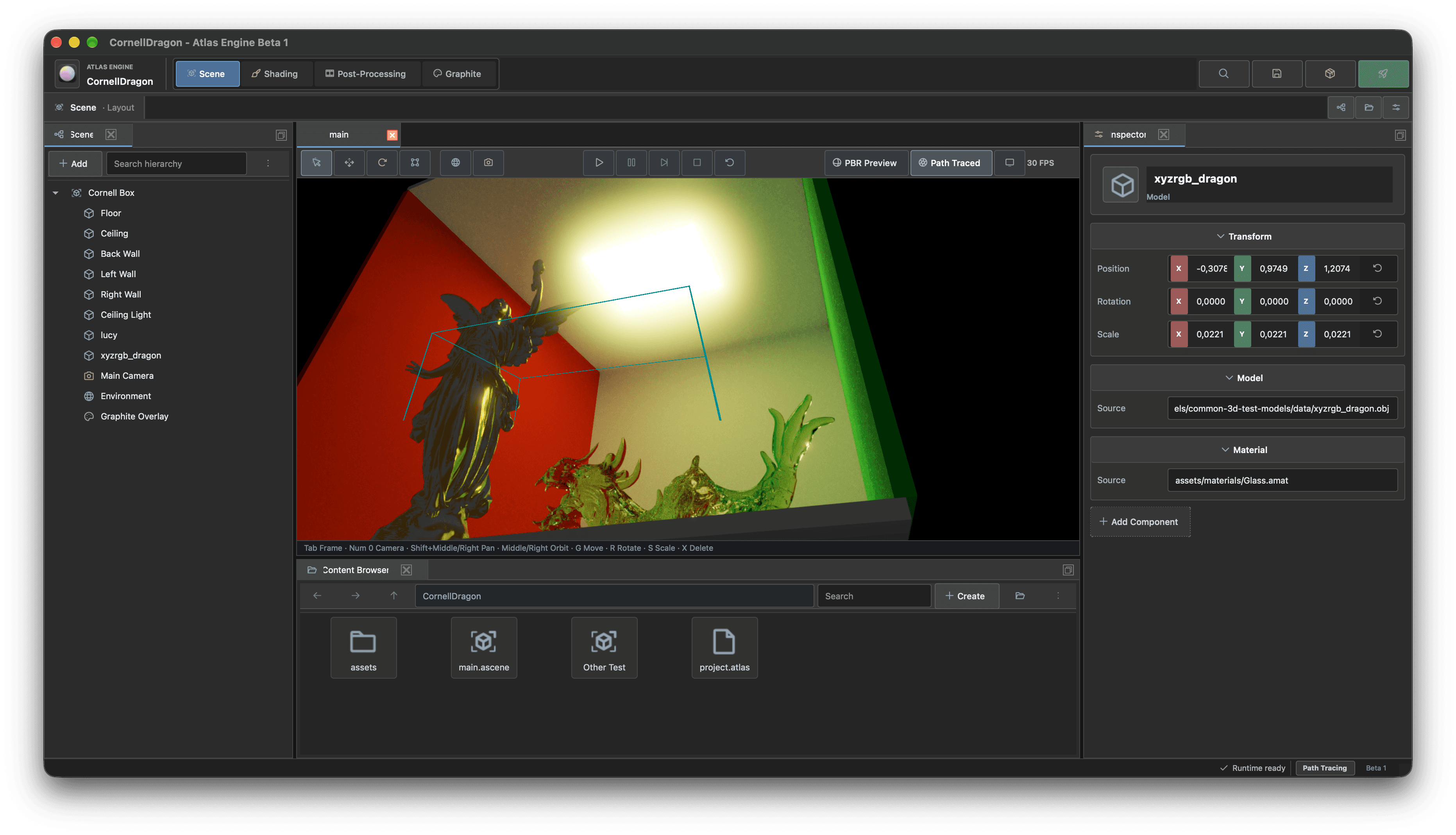
Physically based materials and post-processing help shape the look of a scene. Photon brings path tracing and global illumination into the Atlas family, while Aurora and Hydra provide terrain, atmosphere and clouds for the world beyond the viewport.
A family of focused systems
Atlas is built from modules with clear responsibilities. The editor brings those pieces together without hiding the source behind them.
Diagram source
flowchart TD
    Editor[Atlas editor] --> Scene[Scene and project data]
    Scene --> Runtime[Atlas runtime]
    Runtime --> Opal[Opal · rendering]
    Runtime --> Bezel[Bezel · physics]
    Runtime --> Finewave[Finewave · audio]
| System | Responsibility |
|---|---|
| Opal | Graphics abstraction |
| Photon | Path tracing and global illumination |
| Aurora and Hydra | Terrain, atmosphere and clouds |
| Bezel | Physics and collision |
| Finewave | Spatial audio |
| Graphite | Interfaces |
| Tracer | Profiling and inspection |
The journey to beta
From the first pre-alpha renderer to a visual editor and a modular runtime, every release has brought a new part of Atlas into focus. The Vela release page looks back at that journey, with images from the earliest releases to today.
Start your next world
Get Atlas, explore the documentation, or take a look at the source on GitHub.
We look forward to seeing what you create.